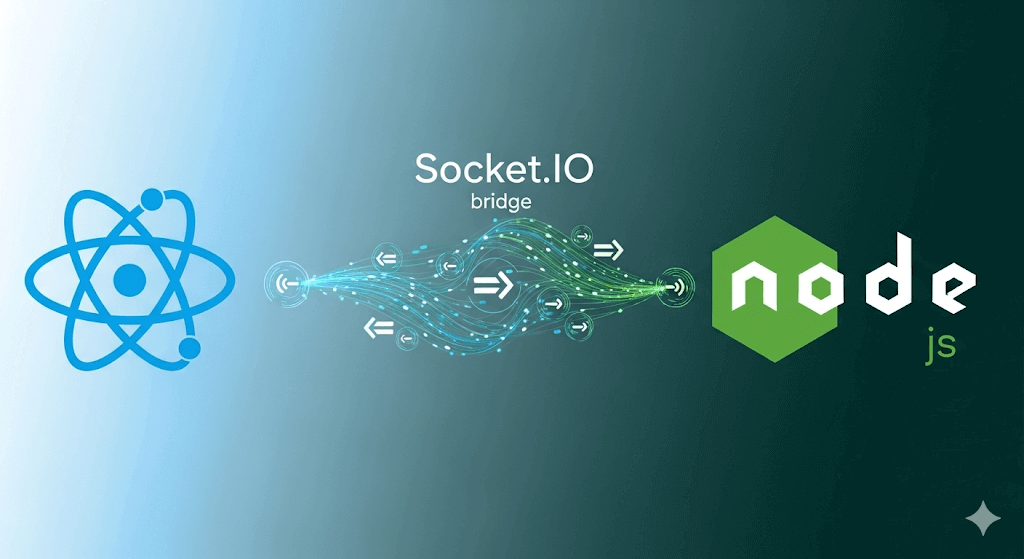
This guide walks you through creating a real-time web application using React (with TailwindCSS for styling) and Node.js (with Express and Socket.IO for the backend). You’ll learn how to serve a React app from Express, establish a Socket.IO connection, send and receive messages in real time, and use a proxy during development for seamless integration.
Real-time communication is a game changer for modern web applications. Whether you’re building a chat app, live dashboard, multiplayer game, or collaborative tool, Socket.IO provides a simple way to connect the frontend and backend instantly.
In this tutorial, we’ll build a small app where a Node.js + Express server sends a message to a React frontend after the client connects. We’ll also use TailwindCSS for styling and Vite's development proxy for smooth local development.
Project Structure
my-app/
  ├── client/   # React frontend
  ├── server.js # Node.js backend
Step 1 – Backend Setup (Node.js + Express + Socket.IO)
mkdir backend && cd backend
npm init -y
2. Install Dependencies
npm install express --save
npm install socket.io
npm i --save path
npm i nodemon -D
Step 2 – Frontend Setup (React + Vite + TailwindCSS)

Create React App with Vite
npm create vite@latest client
Go to Client Folder
cd client
3. Install Socket.IO Client
npm install socket.io-client
4. Install TailwindCSS (Optional)
npm install -D tailwindcss postcss autoprefixer
npx tailwindcss init
Tailwind Config (tailwind.config.js)
module.exports = {
  content: ["./index.html", "./src/**/*.{js,jsx}"],
  theme: {
    extend: {},
  },
  plugins: [],
};
Import Tailwind in index.css
@tailwind base;
@tailwind components;
@tailwind utilities;
Step 3 – Backend Code (server.js)
const express = require("express");
const app = express();
const http = require("http");
const expressserver = http.createServer(app);
const port = 5000;
const { Server } = require("socket.io");
const io = new Server(expressserver);
const path = require("path");

// Serve React build files
app.use(express.static(path.join(__dirname, "client", "dist")));
app.use(express.static(path.join(__dirname, "client", "dist", "assets")));

// Handle all routes
app.get("/{*any}", (req, res) => {
    res.sendFile(path.resolve(__dirname, "client", "dist", "index.html"));
});

// Socket.IO connection
io.on("connection", (socket) => {
    console.log("A user connected:", socket.id);

    setTimeout(() => {
        socket.emit("msg", "This is message from express server");
    }, 2000);

    socket.on("disconnect", () => {
        console.log("User disconnected:", socket.id);
    });
});

expressserver.listen(port, () => {
    console.log(`Server is listening on port ${port}`);
});
Step 4 – Frontend Code (App.jsx)
import React, { Component } from "react";
import { io } from "socket.io-client";

export class App extends Component {
    constructor() {
        super();
        this.state = { message: "" };
    }

    componentDidMount() {
        const socket = io.connect("/");
        socket.on("msg", (data) => {
            this.setState({ message: data });
        });
    }

    render() {
        return (
            <div className="h-screen flex flex-col items-center justify-center bg-gradient-to-br from-blue-50 via-white to-blue-100">
                <div className="p-8 bg-white rounded-2xl shadow-lg text-center max-w-md">
                    <h1 className="text-2xl font-extrabold text-blue-700 drop-shadow-sm">
                        🚀 Welcome to React + Socket.IO
                    </h1>
                    <p className="mt-4 text-lg text-gray-600">
                        Real-time magic is happening right here.
                    </p>
                    <p className="mt-2 text-gray-500 italic">
                        Connected to the server and ready to receive updates!
                    </p>
                    {this.state.message && (
                        <div className="mt-6 px-4 py-2 bg-green-100 text-green-700 rounded-lg shadow-sm">
                            <strong>Server says:</strong> {this.state.message}
                        </div>
                    )}
                </div>
            </div>
        );
    }
}

export default App;
Step 5 – Development Proxy

In client/package.json add:
"proxy": "http://localhost:5000"
This forwards /socket.io requests to the backend during development, avoiding CORS issues. Without this, you’d need:
io.connect("http://localhost:5000");
Step 6 – Running the App
Backend
npx nodemon server.js
Frontend
npm run dev or build
How React and Node Connect Here

Node.js + Express serves static React files and handles WebSocket connections via Socket.IO.

React connects to the backend using Socket.IO client.

Vite proxy simplifies local development.

TailwindCSS styles the interface.

Conclusion

By combining React, Node.js, Express, and Socket.IO, you can create powerful real-time applications.
This same approach can power chat apps, live notifications, multiplayer games,
or collaborative tools — all with instant updates.